Videlia Review 2026: AI Fashion Model Videos from Shopify Product Photos
Videlia transforms flat-lay and mannequin product photos into 1080p AI model videos directly inside Shopify. We tested the model gallery, theme block publishing, and credit rollover. Here is our in-depth review.
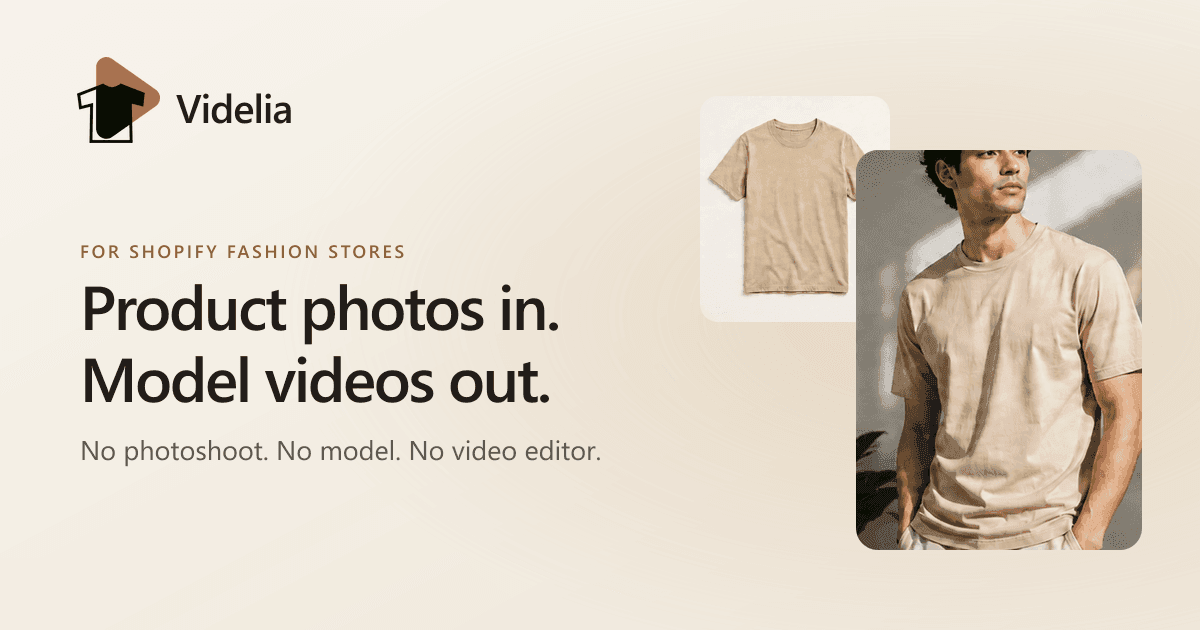
For fashion and apparel brands selling on Shopify, high-quality on-model video is the gold standard of product presentation. Seeing how a garment drapes, moves, and fits on a human body builds instant buyer confidence, elevates brand perception, and directly reduces expensive return rates.
However, traditional fashion videography is notoriously expensive and slow. Organizing studio photoshoots, hiring diverse models, booking videographers, and managing post-production edits can easily cost thousands of dollars per seasonal collection. For emerging apparel stores and catalog-heavy merchants, producing on-model video for every SKU has historically been out of reach.
Videlia enters the e-commerce space to solve this exact bottleneck. Engineered specifically for Shopify merchants selling apparel, footwear, and fashion accessories, Videlia turns existing product photography into short, high-definition AI model videos in minutes.
The short version: Videlia is the most frictionless way for Shopify fashion brands to generate on-model product videos. By connecting directly to your Shopify catalog and publishing through native theme app blocks, it delivers professional e-commerce video assets without studio costs, model fees, or code modifications.
What Is Videlia?
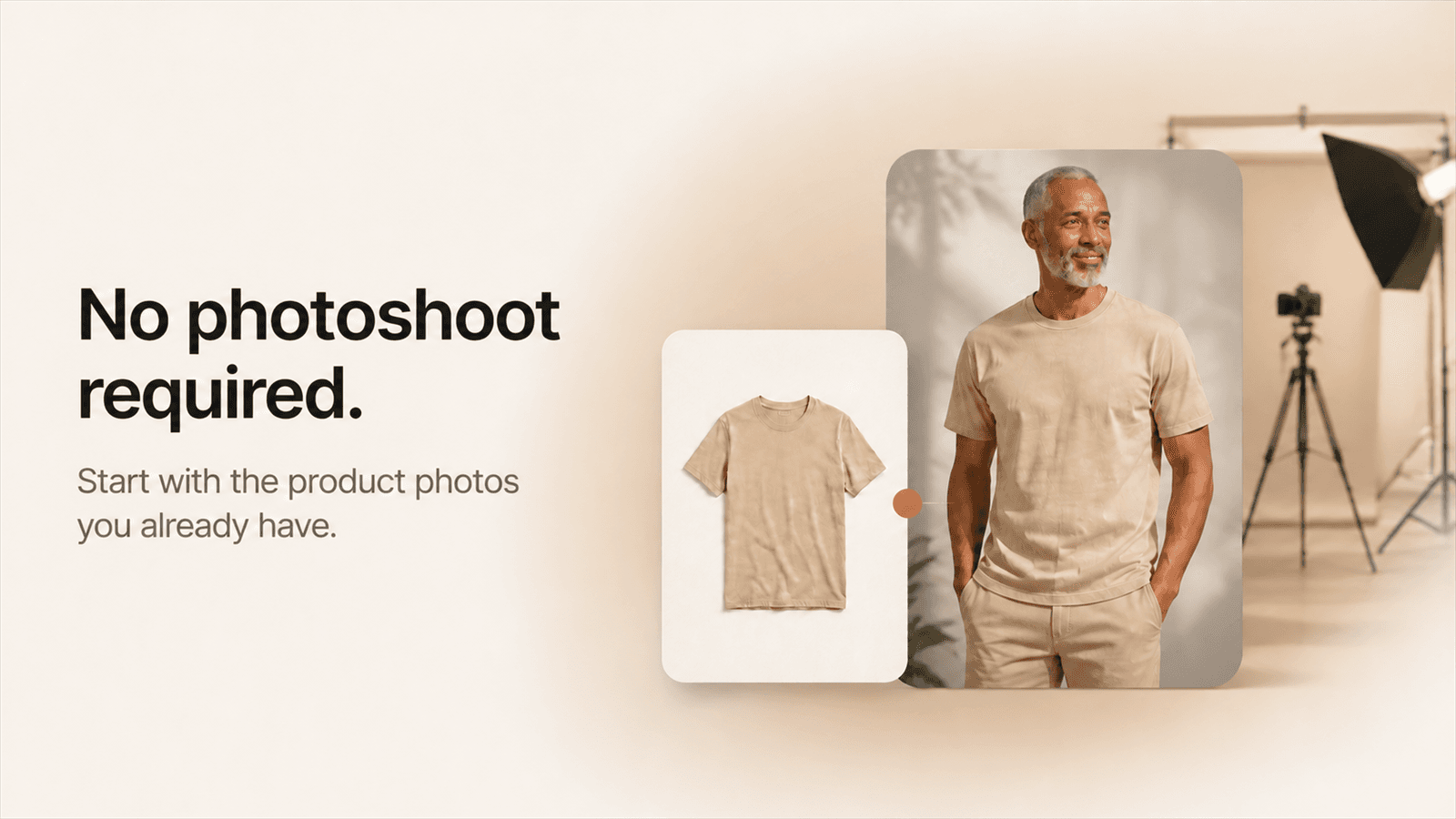
Videlia is an AI video generation platform built for Shopify merchants selling apparel, footwear, and accessories. It automatically fits garments from flat-lay or mannequin product photos onto diverse AI models and renders 1080p videos ready for storefront product pages, TikTok ads, and Instagram Reels.
Unlike general-purpose generative video tools such as Runway or Kling AI that require complex prompt engineering and manual video editing, Videlia operates as an automated e-commerce workflow layer. It integrates directly with your Shopify store via the Shopify App Store, reads your existing product imagery, fits garments accurately to virtual models, and publishes the resulting video straight into your storefront's product media gallery.
How Videlia Works: The 4-Step Workflow
Videlia is designed to eliminate studio complexity. The entire production pipeline takes place inside a streamlined interface:
[Sync Shopify Catalogue] ➔ [Choose AI Model] ➔ [Preview Virtual Try-On] ➔ [Render & 1-Click Publish]
1. Sync Your Shopify Catalog
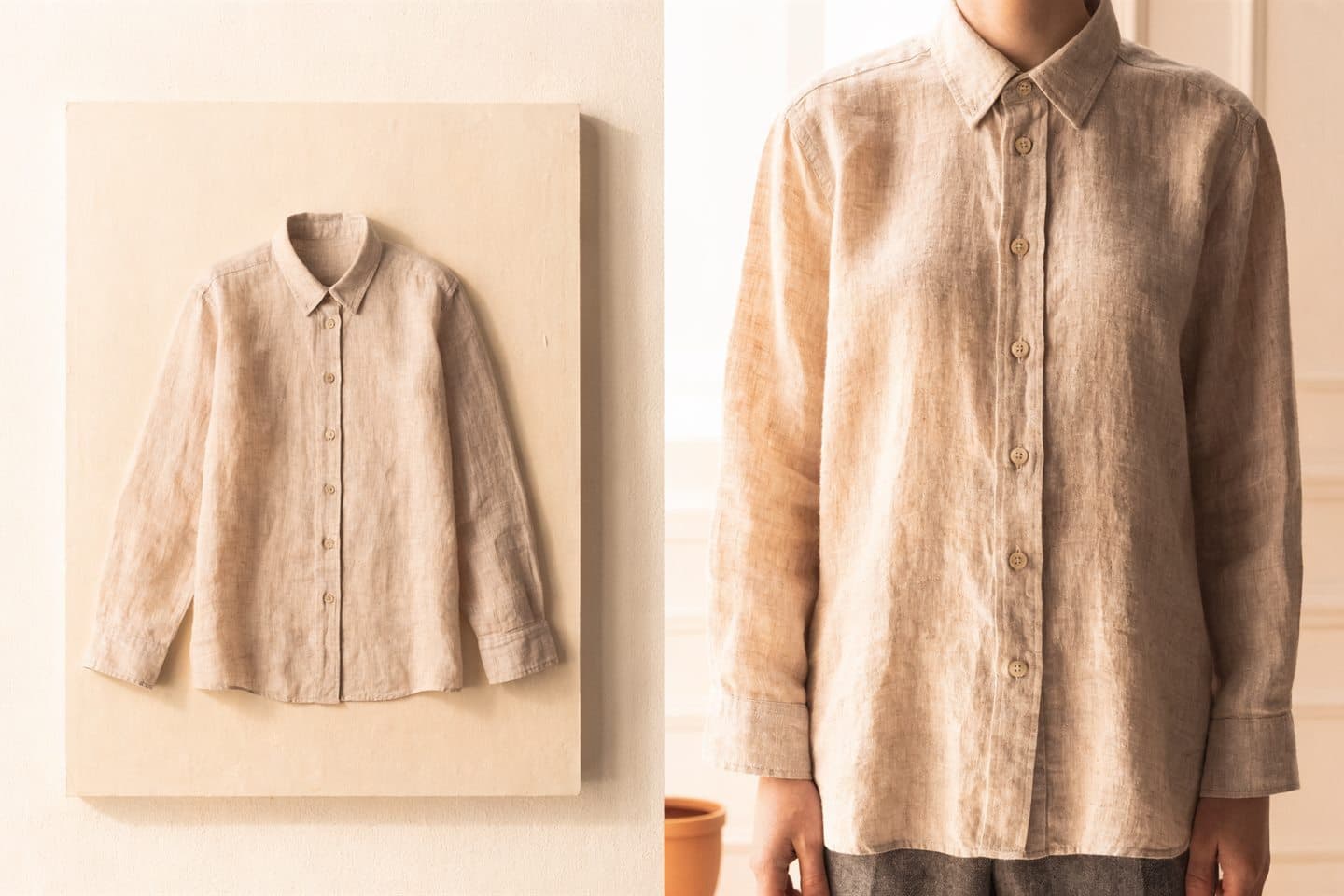
After installing the app, Videlia automatically indexes your active Shopify products and their existing photos. There is no need to export CSVs or re-upload high-resolution assets—you simply select the garment you want to bring to life.
2. Choose Your AI Model
Videlia provides a curated gallery of AI models spanning various body types (slim, lean, athletic, plus, stocky), genders, and ethnic backgrounds. Merchants can also upload custom model reference images to maintain a consistent brand identity across seasonal drops.

3. Preview with Virtual Try-On
Before spending video rendering credits, you can generate a 1-credit virtual try-on still image. This lets you verify garment fit, fabric drape, and styling accuracy before committing to a full video render.
4. Render and Publish in One Click
Once satisfied, Videlia renders a 5-second or 10-second video at full 1080p resolution. Using Videlia's native Shopify theme app block, you can publish the video directly to your live product page with a single click—no Liquid code editing required.
Key Features That Make Videlia Stand Out
Native Shopify Theme App Block
Most third-party video solutions require embedding custom JavaScript scripts or modifying theme Liquid templates, which can slow down page load speeds and break during theme updates. Videlia uses modern Shopify 2.0 Theme App Blocks. The video sits cleanly inside your native product media gallery beside your original photography and leaves zero residue if uninstalled.
Multi-Format Aspect Ratio Exports
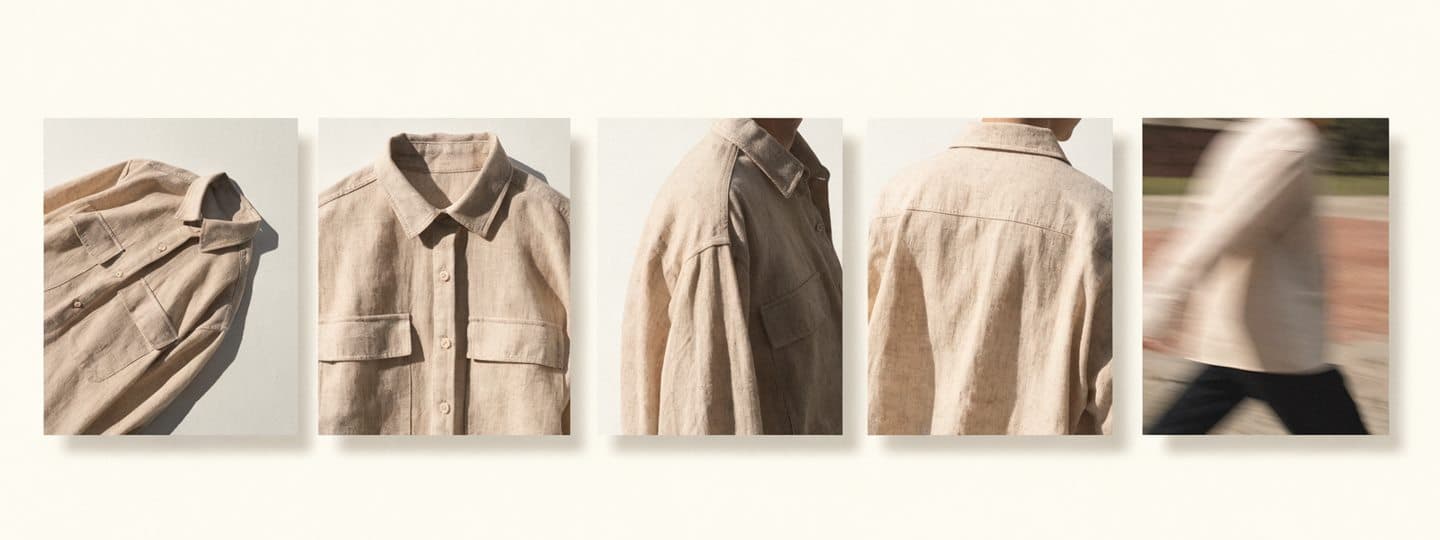
Different marketing channels demand different video dimensions:
- 9:16 Vertical: Optimized for TikTok video ads, Instagram Reels, and YouTube Shorts.
- 1:1 Square: Ideal for Instagram feed carousels, Facebook ads, and square catalog grids.
- 16:9 Widescreen: Perfect for desktop product page hero banners and YouTube embeds.
Videlia allows you to export all three aspect ratios from a single generation, maximizing the return on every rendered garment.
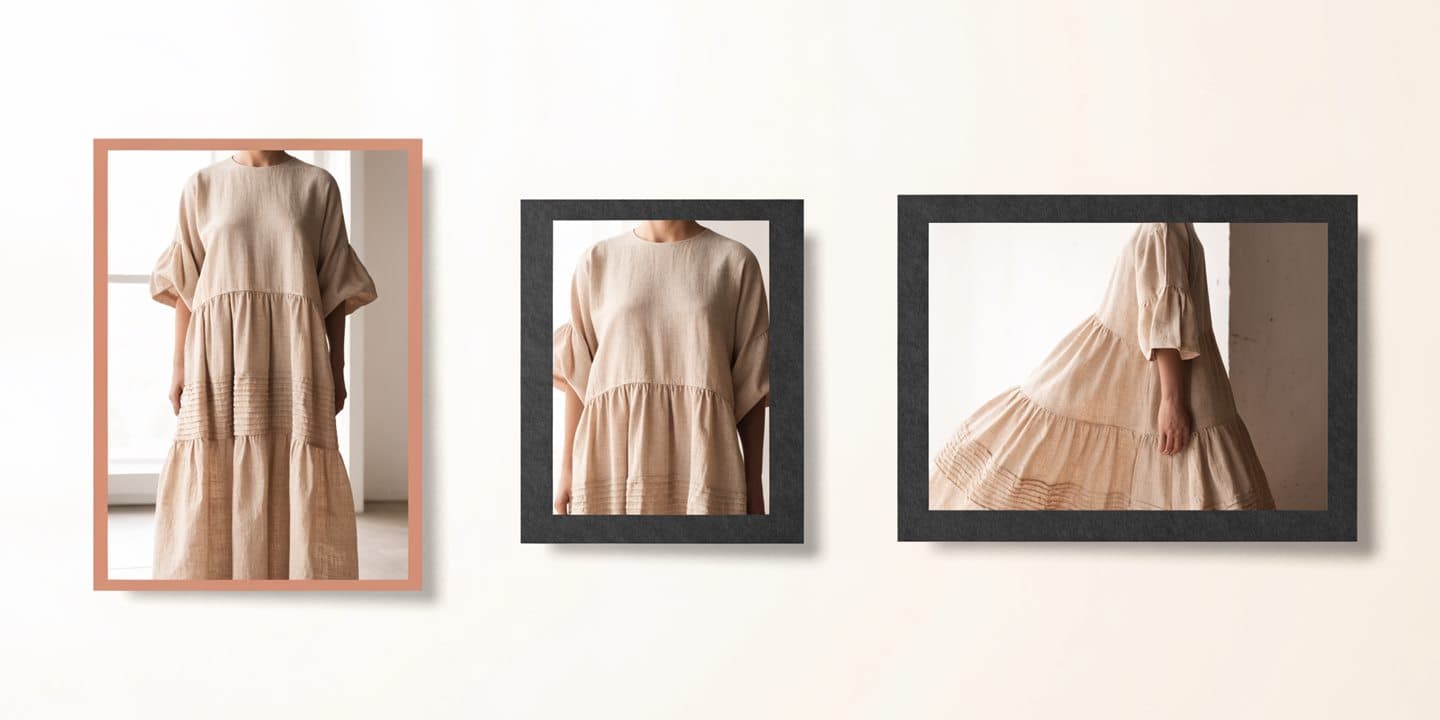
Inclusive Model Diversity
Shoppers want to see how clothes look on people with their body type and background. Videlia’s model library spans petite to plus sizes and diverse ethnicities, allowing brands to cater to global demographics without organizing multiple distinct photoshoot casts.
Merchant-Friendly Credit Rollover & Auto-Refunds
A common frustration with AI creative software is paying for failed generations or losing unused monthly allocations. Videlia solves both:
- Unused credits roll over to the next month (up to twice your monthly allowance).
- Failed generations are automatically refunded to your credit balance immediately.
Real-World E-Commerce Impact
Why should apparel merchants prioritize product page video? E-commerce data consistently demonstrates the business impact of video:
| Metric | Impact of On-Model Product Video |
|---|---|
| Conversion Rate | Increases by 20% to 40% when shoppers see garments in realistic motion |
| Return Rate | Decreases by up to 30% due to clearer fit and sizing expectations |
| Ad Click-Through (CTR) | Social video ads (TikTok/Reels) generate 2x to 3x higher CTR than static flat-lays |
| Production Savings | Saves 85% to 95% compared to recurring commercial studio photoshoots |
Pricing & Plan Breakdown
Videlia operates on a credit-based model billed conveniently through Shopify's official app billing system. A try-on still costs 1 credit, a 5-second video costs 3 credits, and a 10-second video costs 6 credits.
| Plan | Price | Monthly Credits | Video Capacity | Key Inclusions |
|---|---|---|---|---|
| Free | $0/mo | 10 credits | 3 videos (5s) or 10 stills | 720p, watermark, 9:16 vertical, base AI models, no card required |
| Starter | $29/mo | 60 credits | 20 videos (5s) or 60 stills | 1080p HD, no watermark, 9:16 / 1:1 / 16:9, all AI models, credit rollover |
| Growth (Most Popular) | $79/mo | 195 credits | 65 videos (5s) or 195 stills | 1080p HD, no watermark, high-fidelity try-on, full model library, credit rollover |
| Pro | $199/mo | 525 credits | 175 videos (5s) or 525 stills | 1080p HD, priority rendering queue, custom motion direction, high-volume capacity |
All paid plans include 1080p resolution, watermark removal, multi-ratio downloads, and credit rollover.
Videlia vs Traditional Photoshoots vs General AI Video Tools
How does Videlia compare to other approaches?
| Dimension | Traditional Studio Shoot | General AI Video (Runway, Kling) | Videlia |
|---|---|---|---|
| Cost per Garment | $150 – $500+ | $5 – $20 | $1.15 – $1.45 |
| Turnaround Time | 2 – 4 weeks | 30 – 60 minutes (complex prompting) | 2 – 5 minutes |
| Shopify Integration | Manual upload & theme editing | Manual download, format, & upload | 1-click automated Theme App Block |
| Garment Adherence | 100% (physical garment) | Variable (AI hallucination risks) | High (tailored garment-fitting engine) |
| Model Diversity | Requires hiring multiple models | Prompt-dependent | Built-in diverse model gallery |
| Technical Skill Required | Professional photography crew | Prompt engineering & video editing | Zero (point-and-click merchant UX) |
Pros and Cons
Pros
- Zero studio overhead: No need to hire models, photographers, or video editors.
- Direct Shopify integration: Pulls existing product photos automatically with no re-uploading.
- Native Theme App Block: Adds videos directly to product galleries without touching Liquid code.
- Multi-ratio exports: One generation yields vertical (TikTok), square (Instagram), and wide formats.
- Merchant-friendly billing: Automatic credit rollover and instant refunds on failed generations.
- Generous free plan: Test on 3 real products with no credit card required.
Cons
- Apparel-focused: Built specifically for wearable products (clothing, footwear, accessories), not electronics or furniture.
- Requires Shopify: Best utilized by stores on the Shopify e-commerce platform.
- Advanced motion customization: Custom motion direction controls are reserved for the Pro tier.
Final Verdict: Is Videlia Worth It in 2026?
Rating: 4.9 / 5.0
If you run a Shopify fashion, apparel, or footwear store, Videlia is an absolute no-brainer addition to your marketing stack. It solves the biggest hurdle in e-commerce apparel merchandising—delivering high-end on-model video at scale without the crippling costs of traditional studio production.
The combination of direct Shopify catalog synchronization, diverse virtual models, 1-click theme publishing, and merchant-friendly credit rollover makes Videlia the clear category leader for e-commerce fashion video generation.

Ready to see your products on an AI model? You can install Videlia on the Shopify App Store and generate your first 3 videos for free without entering a credit card.
author
Dusan Kovacevic
Published September 9, 2026 · Updated September 9, 2026
continue reading
Related articles

Higgsfield AI Review 2026: Cinematic AI Video Generation Tested
Higgsfield turns frontier video models into one-tap cinematic presets — and went from launch to 25M+ users in months. We tested the camera controls, the credit system, and the deepfake controversy. Here is the honest verdict.
Read
Best AI Video Generators in 2026: Tested and Ranked
OpenAI killed Sora, native audio became table stakes, and prices quietly restructured across the board. We ranked the AI video generators actually worth paying for in 2026 — from Runway and Veo to Kling, Higgsfield, and the avatar tools.
Read
Cursor vs GitHub Copilot vs Windsurf: Which AI Coding Assistant Is Best in 2026?
We spent months coding in Cursor, GitHub Copilot, and Windsurf on real production repos. Here is which AI coding assistant wins on autocomplete, agentic editing, and pricing — and which one you should actually pay for in 2026.
Read