Higgsfield AI Review 2026: Cinematic AI Video Generation Tested
Higgsfield turns frontier video models into one-tap cinematic presets — and went from launch to 25M+ users in months. We tested the camera controls, the credit system, and the deepfake controversy. Here is the honest verdict.
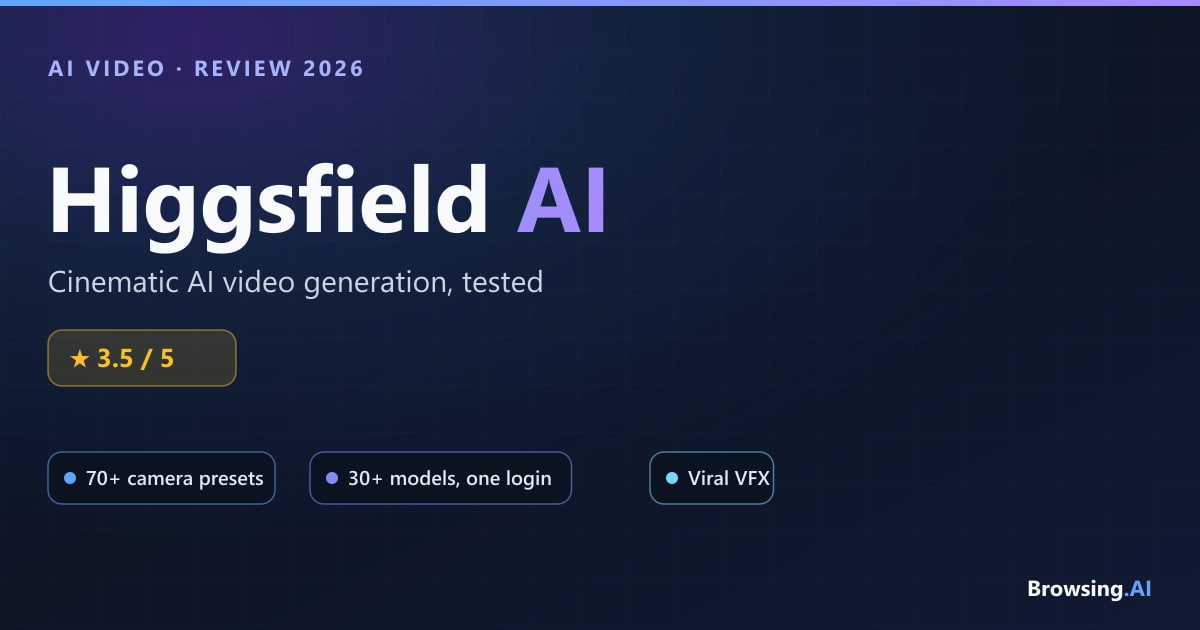
Higgsfield AI showed up in April 2025 and, within about nine months, became one of the most-discussed names in AI video — not because it built a better model, but because it made frontier models feel like a camera. Founded by Alex Mashrabov, the ex-Snap generative-AI head whose previous startup sold to Snap for $166M, Higgsfield packaged dolly shots, crash zooms and bullet time into one-tap presets and rode a wave of viral social moments to a reported 25M+ users and a ~$300M revenue run rate by early 2026.
The pitch is simple and genuinely clever: instead of training one flagship model, Higgsfield is a workflow layer sitting on top of 30+ third-party models — Sora 2, Google Veo 3.1, Kling 3.0, ByteDance's Seedance and Seedream — plus its own Soul image model. One login, one credit pool, best-in-class model per shot. It raised $80M in January 2026 at a $1.3B+ valuation, becoming widely cited as Kazakhstan's first tech unicorn.
But the growth came with baggage. A February 2026 Forbes investigation documented racist videos, nonconsensual celebrity deepfakes, and billing practices that pushed users toward extra credit purchases. That tension — brilliant tooling wrapped around serious trust problems — is the whole story here.
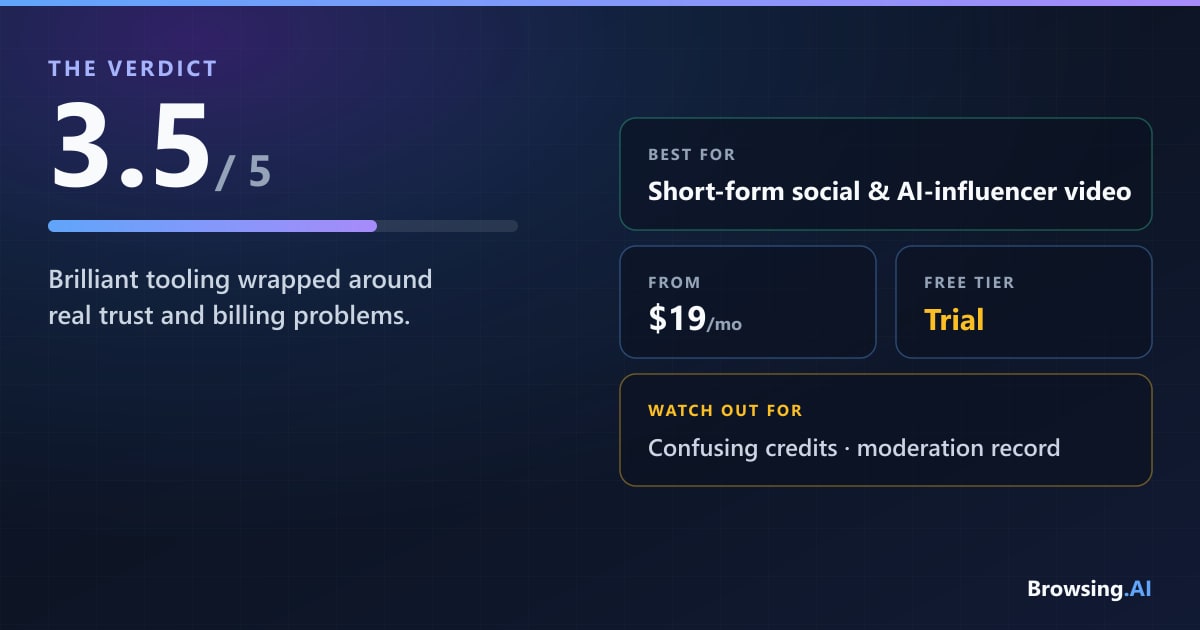
The short version: Higgsfield is the fastest way to get cinematic, on-trend social video out of the best models on the market — but its credit system is confusing, its moderation record is troubling, and its quality is only ever as good as the models it resells.
What Is Higgsfield AI?
Higgsfield AI is a generative video and image platform built around a single idea: bringing real "camera language" to AI video. Where most text-to-video tools give you a prompt box and hope, Higgsfield gives you 70+ deterministic camera-motion presets — Bullet Time, Crash Zoom, 360 Rotation, Dolly Shot, FPV — that non-filmmakers can apply in one tap.
Under the hood, it's an aggregator. Rather than competing on frontier model quality, Higgsfield exposes many third-party models (Sora 2, Veo 3.1, Kling 3.0, Seedance, Seedream) alongside its own Soul image model, all wrapped in a preset-driven, template-heavy UI optimized for producing shareable content fast. Its structural edge over single-model rivals like Runway or Pika is exactly that breadth: you pick the right model for each shot without juggling separate subscriptions.
The target user is clear — short-form social creators, AI-influencer builders, and small marketing teams who want cinematic, mobile-friendly output quickly, and who prioritize speed and presets over precise post-production control.
Standout Features
Higgsfield's feature set is wide. The pieces that actually matter:
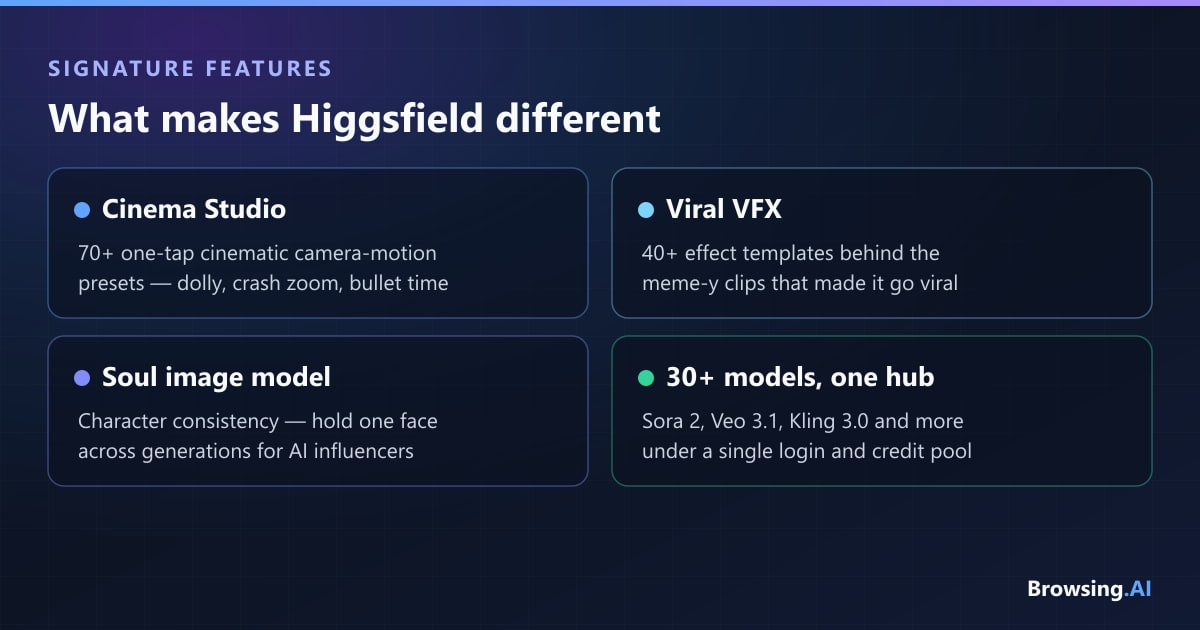
- Cinema Studio / Director Mode — the headline. 70+ cinematic camera-motion presets that reviewers consistently call the single clearest reason to choose the platform. More accessible than Runway's motion brush for standard cinematic moves.
- 40+ viral VFX presets — Earth Zoom, Float Spin, Elevate, Sticker Peel, Action Figure and more. These are the templates behind a lot of the meme-y content that made Higgsfield go viral.
- Soul / Soul 2.0 (Soul ID) — an image model with 100+ style parameters and character consistency. Train on roughly 20 photos in a few minutes, then hold the same face across generations. This is the backbone for AI-influencer and recurring-character workflows.
- Draw-to-Video — sketch a rough composition and generate motion from it.
- Speak / Lipsync — voice and lip-sync generation for talking-head UGC, overlapping with dedicated avatar tools like HeyGen and Synthesia.
- Face swap and virtual try-on — the former is also the source of much of the deepfake controversy.
- Pipeline integrations — MCP/CLI support (including for Claude) and an After Effects plugin (Fable) for creators who want Higgsfield inside a real production workflow.
- Higgsfield Supercomputer — an AI agent layer for automation, skills and apps.
- Soul Cast — a content-scoring / similarity-score compliance tool added in 2026 to flag likeness and IP risks, a direct response to the deepfake scrutiny.
What It's Actually Like to Use
The first impression is genuinely impressive. Applying a camera preset feels less like prompting and more like directing — pick "Crash Zoom," feed in an image, and you get a clip with motion that actually reads as intentional. For quiet, single-subject shots and stylized b-roll, the output can be excellent, and switching between Sora, Veo and Kling from one interface is a real workflow luxury.
The rough edges show up fast, though. Motion gets unstable in complex scenes — calm shots look great, but busy action sequences drift into artifacts and chaos (one independent test scored motion around 3.6/10). Character consistency via Soul ID is strong but not quite as bulletproof as the marketing suggests. And because you're ultimately using third-party models, quality varies shot to shot depending on which engine you picked.
Then there's the credit math, which is the most-complained-about part of the experience. Premium models burn 40–70 credits per clip, monthly credits don't roll over, and the "unlimited" language on higher tiers comes with dynamic speed throttling. Several users have reported "unlimited" plans that quietly slow down and nudge you toward top-up packs. It works, but you have to watch your balance constantly, and the pricing rarely feels as transparent as it should.
Pricing
Higgsfield runs on a credit-based subscription: you spend credits per generation, and premium video models cost far more per clip than images. Prices change often and vary by region, so treat these as current-but-fluid — but as of mid-2026, the individual tiers (billed annually) look like this:
| Plan | Price | Credits/mo | What you get |
|---|---|---|---|
| Starter | $19/mo | 270 | ~135 Nano Banana Pro images or ~15 Seedance 2.0 fast videos; up to 2 videos + 4 images in parallel; selected models only; Supercomputer access |
| Plus | $47/mo annual ($59 monthly) | 1,200 | ~600 Nano Banana Pro images or ~53 Seedance 2.0 videos; up to 6 videos + 8 images parallel; all models and features; 7-day "unlimited" on Nano Banana 2 and Kling 3.0 |
| Ultra ("best value") | $99/mo annual ($129 monthly) | 3,000 (scalable to 6,000–9,000) | ~1,500 Nano Banana Pro images or ~133 Seedance videos; up to 8 videos + 8 images parallel; lowest cost per credit; 7-day "unlimited" on Nano Banana Pro, Nano Banana 2, and Kling 3.0 |
For teams, Business plans are priced per seat (billed annually): Team at $65/seat/mo (2–9 members, 5,000 shared credits, basic analytics, priority support), Scale at $150/seat/mo (5–15 members, 12,500 credits, SSO, admin spend controls, priority queue), and a custom Enterprise tier with unlimited seats, volume rollover credits, and an SLA.
There's no standing free plan on the pricing page — new users get a limited batch of free trial credits, and paid plans start at $19/mo. The mechanics that matter: individual-plan credits don't roll over, premium video models consume credits fast, and the "unlimited" labels are time-boxed (7-day windows on specific models) rather than truly unlimited. Budget accordingly if you generate at volume.
Higgsfield vs the Alternatives
The honest framing: Higgsfield doesn't compete on model quality — it competes on workflow and breadth. On independent leaderboards, the top slots go to Seedance 2.0, Veo 3.1 and Kling 3.0, all models Higgsfield resells rather than owns.
| Tool | Best for | Trade-off vs Higgsfield |
|---|---|---|
| Runway | Precise, professional post-production; agency/film work | More control and governance, but single-model and pricier per capability |
| Sora (OpenAI) | Raw generation quality on flagship model | Highest per-clip cost; less template-driven workflow |
| Kling | Cinematic framing, strong physics, cheapest per-second | Fewer preset/effect templates; no multi-model hub |
| Google Veo | Top-tier realism and audio | Accessed inside Higgsfield anyway; standalone lacks the preset UX |
| Pika | Fun, fast, effect-driven short clips | Smaller model roster and less camera control |
If you want precise professional control, Runway is the stronger pick — see our Runway alternatives breakdown and the full best AI video tools roundup. If you want breadth, presets and speed for social content, Higgsfield's aggregation model is hard to beat.
Pros and Cons
Pros
- Unmatched breadth — flip between Sora, Veo, Kling and more under one login and credit pool
- Genuinely best-in-class cinematic camera controls that non-filmmakers can apply in one tap
- Fast, mobile-friendly, template-driven — ideal for short-form social and ad creative
- Strong character consistency via Soul ID for AI-influencer and avatar workflows
- Aggressively updated with the newest frontier models soon after they launch
- A real free tier plus competitive entry pricing for experimenting
Cons
- Serious trust and safety issues — Forbes (Feb 2026) documented racist videos, nonconsensual deepfakes, and lax moderation
- Reported billing problems — "unlimited" plans with hidden throttling that push extra credit purchases
- Confusing credit system; costs vary widely by model/resolution and credits don't roll over
- Pricing and plan names change often and vary by region
- Quality depends on the third-party models it wraps, not proprietary tech
- Preset-heavy approach can feel formulaic and less suited to precise professional post
Who Should Use Higgsfield?
Higgsfield is a strong fit if you're a short-form social creator, AI-influencer builder, or small marketing/growth team who values speed, presets and multi-model breadth over precise control. The best use cases are viral-effect TikTok/Reels/Shorts content, consistent-character AI-influencer work, cinematic b-roll via camera presets, and fast-turnaround ad creative.
It's a weaker fit for filmmakers and enterprise buyers. Filmmakers who need frame-level control tend to prefer Runway or Kling; enterprises will find the governance story thin and the billing-trust reputation an active procurement headwind. If your work touches real people's likenesses, tread carefully — the moderation record is the biggest reason for caution.
Frequently Asked Questions
Is Higgsfield free? There's no standing free plan on Higgsfield's pricing page. New users get a limited batch of free trial credits to test the presets and workflow, but sustained production needs a paid plan — which start at $19/mo (Starter, 270 credits a month).
Is Higgsfield better than Runway? It depends on what you're doing. Higgsfield wins on breadth and speed — many models under one login and best-in-class camera presets for social content. Runway wins on precise, professional post-production control and enterprise governance. For viral short-form work, Higgsfield; for controlled filmmaking, Runway.
Is Higgsfield safe, and what about deepfakes? This is the platform's biggest weakness. A February 2026 Forbes investigation documented racist videos and nonconsensual celebrity deepfakes, and public figures including Scarlett Johansson raised concerns about likeness misuse. Higgsfield has since restricted reference-image uploads and launched Soul Cast, a similarity-scoring compliance tool. Treat likeness-based generation with real caution.
What models does Higgsfield use? It aggregates 30+ third-party models — including Sora 2, Google Veo 3.1, Kling 3.0, ByteDance Seedance and Seedream — alongside its own Soul image model. You choose the model per generation, which is the platform's core structural advantage.
Do Higgsfield credits roll over? Not on the individual plans — monthly credits reset rather than accumulate (only the Enterprise tier advertises volume rollover). Premium video models burn credits quickly, so heavy users should budget accordingly and watch their balance.
Final Verdict
Higgsfield AI is one of the most genuinely useful — and most genuinely complicated — products in AI video right now. The camera-motion presets are excellent, the multi-model aggregation is a real workflow advantage, and for short-form social and ad creators it's arguably the fastest path from idea to shareable clip. When it works, it feels like directing rather than prompting.
But you're renting other companies' models through a layer that's confusing to budget for, and the trust-and-safety record is serious enough that it can't be waved away. The billing complaints and deepfake scrutiny are not edge cases — they're central to the product's reputation in 2026.
That balance lands it at 3.5 out of 5. Recommended for social creators and marketing teams who understand the credit system and use it responsibly; approached with caution by anyone who needs precise control, clean billing, or airtight moderation.
Compare more options in our best AI video tools roundup and Runway alternatives guide, or browse the full AI tools directory.
author
Dusan Kovacevic
Published July 23, 2026 · Updated July 23, 2026
continue reading
Related articles

Microsoft Copilot vs ChatGPT: Which AI assistant is best in 2026?
We tested Microsoft Copilot and ChatGPT across Office 365 integration, writing, coding, reasoning, web research, and pricing to find which is best in 2026.
Read
The Best AI Tools for Podcasters in 2026: Audio, Video & Production Tested
From editing audio by script to synthetic voice cloning and automated show notes, here are the best AI tools for podcasters to produce studio-quality episodes in record time.
Read
Cursor vs GitHub Copilot vs Windsurf: Which AI Coding Assistant Is Best in 2026?
We spent months coding in Cursor, GitHub Copilot, and Windsurf on real production repos. Here is which AI coding assistant wins on autocomplete, agentic editing, and pricing — and which one you should actually pay for in 2026.
Read