How to Build an AI Workflow That Actually Saves You Time
Most people use AI tools in isolation. The real productivity gains come from chaining them together. Here is how to build an AI workflow that automates your repetitive work — step by step.
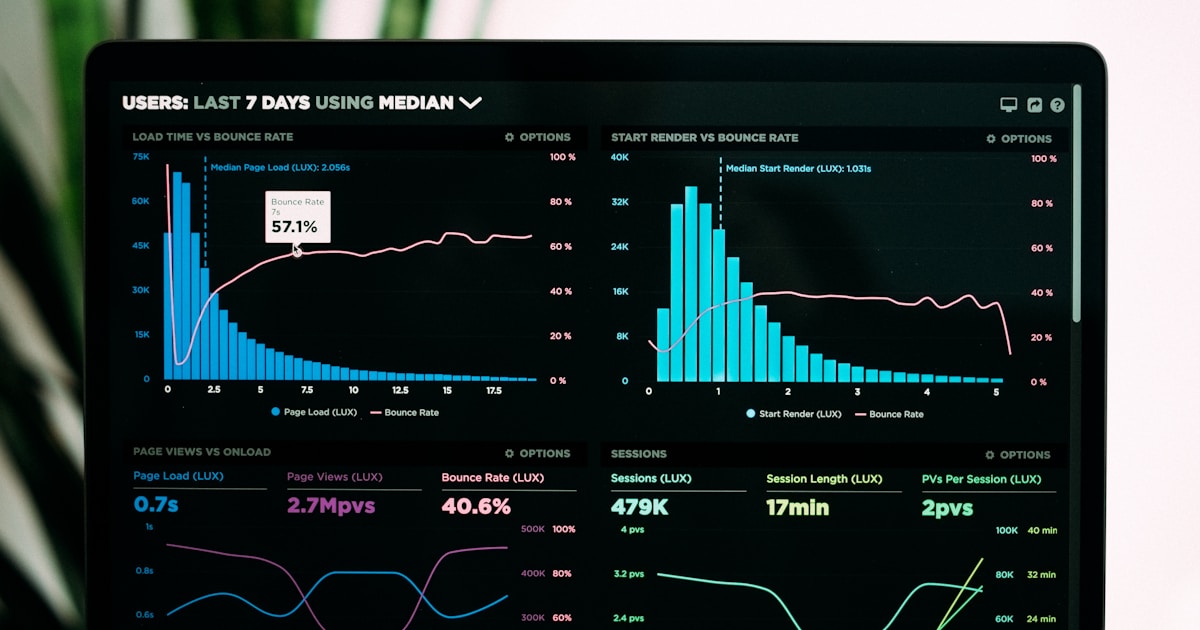
Using ChatGPT to write a draft is useful. Using ChatGPT to write a draft, Grammarly to polish it, Canva to design the graphics, and Zapier to publish it across three platforms — that is a workflow. And it runs in a fraction of the time.
Most people use AI tools one at a time. The real gains come from connecting them. This guide shows you how to build AI workflows that automate repetitive work, step by step, with real examples you can copy.
What is an AI workflow?
An AI workflow chains multiple tools together so the output of one becomes the input of the next. Instead of manually copying text between apps, the workflow handles it automatically.
A simple example:
- A meeting ends on Zoom
- Otter.ai auto-transcribes the recording
- ChatGPT summarizes the transcript into action items
- Zapier posts the summary to Slack and creates tasks in your project management tool
That entire chain runs without you touching anything after the meeting ends.
The building blocks
Every AI workflow has three parts:
- Trigger — What starts the workflow (a new email, a published post, a meeting ending, a form submission)
- AI processing — One or more AI tools that transform the data (summarize, write, generate, analyze)
- Action — Where the result goes (Slack, email, CMS, spreadsheet, social media)
Zapier is the most common tool for connecting triggers and actions. Its AI features can even help you build the automation from a plain English description.
Workflow 1: Content repurposing
Problem: You publish a blog post and then spend an hour manually creating social media posts, an email newsletter blurb, and a LinkedIn article from the same content.
The automated workflow:
- Trigger: New blog post published (via RSS or CMS webhook)
- AI processing: ChatGPT or Copy.ai receives the post content and generates:
- 3 Twitter/X posts with different hooks
- 1 LinkedIn post adapted for a professional audience
- 1 email newsletter paragraph
- Action: Zapier sends each output to the right platform — Buffer for social, your email tool for the newsletter draft
Time saved: ~45 minutes per blog post.
How to build it:
- Create a Zap triggered by your blog's RSS feed or CMS webhook
- Add a ChatGPT step with a prompt like: "From this blog post, create 3 Twitter posts (under 280 characters each), 1 LinkedIn post (2-3 paragraphs), and 1 newsletter summary (1 paragraph). Keep the tone conversational."
- Add actions to send each piece to the right platform
Workflow 2: Meeting notes to action items
Problem: After every meeting, someone has to write up notes, pull out action items, and update the project tracker. It takes 15-20 minutes per meeting.
The automated workflow:
- Trigger: Meeting ends on Zoom/Google Meet
- AI processing: Otter.ai or Fireflies.ai auto-transcribes the meeting and generates a summary
- AI processing: Zapier sends the transcript to ChatGPT with: "Extract all action items, who is responsible, and deadlines. Format as a bulleted list."
- Action: Zapier creates tasks in Asana/Notion/Linear and posts the summary to Slack
Time saved: ~15 minutes per meeting. For a team with 5 meetings a day, that is over an hour.
How to build it:
- Set up Otter.ai or Fireflies.ai to auto-join your meetings
- Create a Zap triggered by "new transcript" from your transcription tool
- Add a ChatGPT step to extract action items
- Add actions to create tasks and post to Slack
Workflow 3: SEO content production
Problem: Your content team needs to produce 3 SEO-optimized blog posts per week, but research, writing, and optimization take 4-5 hours per post.
The automated workflow:
- Trigger: New keyword added to a spreadsheet (your content calendar)
- AI processing: Zapier sends the keyword to ChatGPT: "Create a detailed content outline for a blog post targeting the keyword '[keyword]'. Include H2s, H3s, key points to cover, and a suggested meta description."
- AI processing: Writer uses the outline in Surfer SEO content editor, with AI assist filling in sections and real-time optimization scoring
- Human review: Editor reviews, adds brand voice, fact-checks
- Action: Published to CMS. Triggers Workflow 1 (content repurposing) automatically.
Time saved: ~2 hours per post (from 5 hours to 3, with higher SEO scores).
How to build it:
- Maintain a content calendar spreadsheet with target keywords
- Create a Zap triggered by new rows in the spreadsheet
- Use ChatGPT to generate the outline
- Writers use Surfer SEO's content editor with AI for the draft
- Publishing triggers the repurposing workflow
Workflow 4: Lead follow-up
Problem: New leads come in from forms, but follow-up emails are slow because each one needs to be personalized.
The automated workflow:
- Trigger: New form submission or CRM lead
- AI processing: Zapier sends the lead info to ChatGPT: "Write a personalized follow-up email for [name] from [company] who expressed interest in [topic]. Keep it under 150 words, friendly but professional."
- Human review: Sales rep reviews the draft in their email tool (30 seconds instead of 5 minutes)
- Action: Email sent via Gmail/Outlook
Time saved: ~4 minutes per lead. At 20 leads per day, that is over an hour.
How to build it:
- Create a Zap triggered by your form tool (Typeform, HubSpot, etc.)
- Add a ChatGPT step with lead details in the prompt
- Send the draft to the rep's email as a draft (not auto-send — always have a human review before sending)
Workflow 5: Weekly reporting
Problem: Pulling data from multiple sources and writing a weekly summary takes hours every Monday.
The automated workflow:
- Trigger: Scheduled (every Monday at 8 AM)
- Data collection: Zapier pulls key metrics from Google Analytics, your CRM, social media, and email platform
- AI processing: ChatGPT receives the raw numbers: "Write a brief weekly marketing report. Highlight wins, flag concerns, and suggest 2-3 actions for this week. Data: [metrics]"
- Action: Report posted to Slack or emailed to the team
Time saved: ~1-2 hours per week.
Tips for building effective AI workflows
Start with your most repetitive task
Look at what you do every day or every week that follows the same pattern. Meeting notes, social media posts, data entry, email responses — these are workflow candidates.
Always keep a human in the loop for external communication
AI drafts should be reviewed before being sent to customers, posted publicly, or shared with stakeholders. Build your workflows with a review step for anything external.
Use specific prompts
Vague prompts produce generic output. Instead of "summarize this," write "summarize this meeting transcript into 3-5 bullet points of key decisions and action items, with the responsible person for each."
Test with real data before automating
Run the workflow manually 3-5 times before connecting it to Zapier. Make sure the AI output is consistently good enough with your actual data, not just test data.
Monitor and iterate
AI output quality drifts over time as your content changes. Review your workflows monthly and update prompts when the output stops being useful.
Tools you need
For most workflows, you need three things:
| Role | Best option | Alternative |
|---|---|---|
| Automation | Zapier ($19.99/mo) | Make.com |
| AI processing | ChatGPT (free or $20/mo) | Claude |
| Transcription | Otter.ai (free 300 min/mo) | Fireflies.ai |
| Content writing | Copy.ai or Jasper | ChatGPT |
| SEO optimization | Surfer SEO ($89/mo) | — |
| Design | Canva (free) | — |
You can build most basic workflows with just Zapier's free plan (100 tasks/month) and ChatGPT's free tier.
The bottom line
The gap between people who use AI tools and people who chain AI tools into workflows is enormous. A single workflow that saves 30 minutes a day adds up to over 100 hours a year.
Start with one workflow. Pick your most repetitive task, map out the trigger-process-action chain, build it in Zapier, and run it for a week. Once you see the time savings, you will want to automate everything.
Need help choosing the right tools? Browse our AI productivity tools guide or see the best free AI tools to get started without spending anything.
author
Dusan Kovacevic
Published April 5, 2026 · Updated April 5, 2026
continue reading
Related articles

10 AI Tools Every Small Business Should Be Using in 2026
Running a small business? These 10 AI tools will help you write better content, design professional graphics, automate workflows, and compete with bigger companies — many with free plans.
Read
The Best AI Tools for Podcasters in 2026: Audio, Video & Production Tested
From editing audio by script to synthetic voice cloning and automated show notes, here are the best AI tools for podcasters to produce studio-quality episodes in record time.
Read
Best AI Video Generators in 2026: Tested and Ranked
OpenAI killed Sora, native audio became table stakes, and prices quietly restructured across the board. We ranked the AI video generators actually worth paying for in 2026 — from Runway and Veo to Kling, Higgsfield, and the avatar tools.
Read