Claude Code vs Codex: Which terminal AI coding agent is best in 2026?
We tested Anthropic's Claude Code and OpenAI's Codex CLI across terminal ergonomics, multi-file editing, test-fix loops, sandboxing, MCP, and pricing to find the best coding agent.
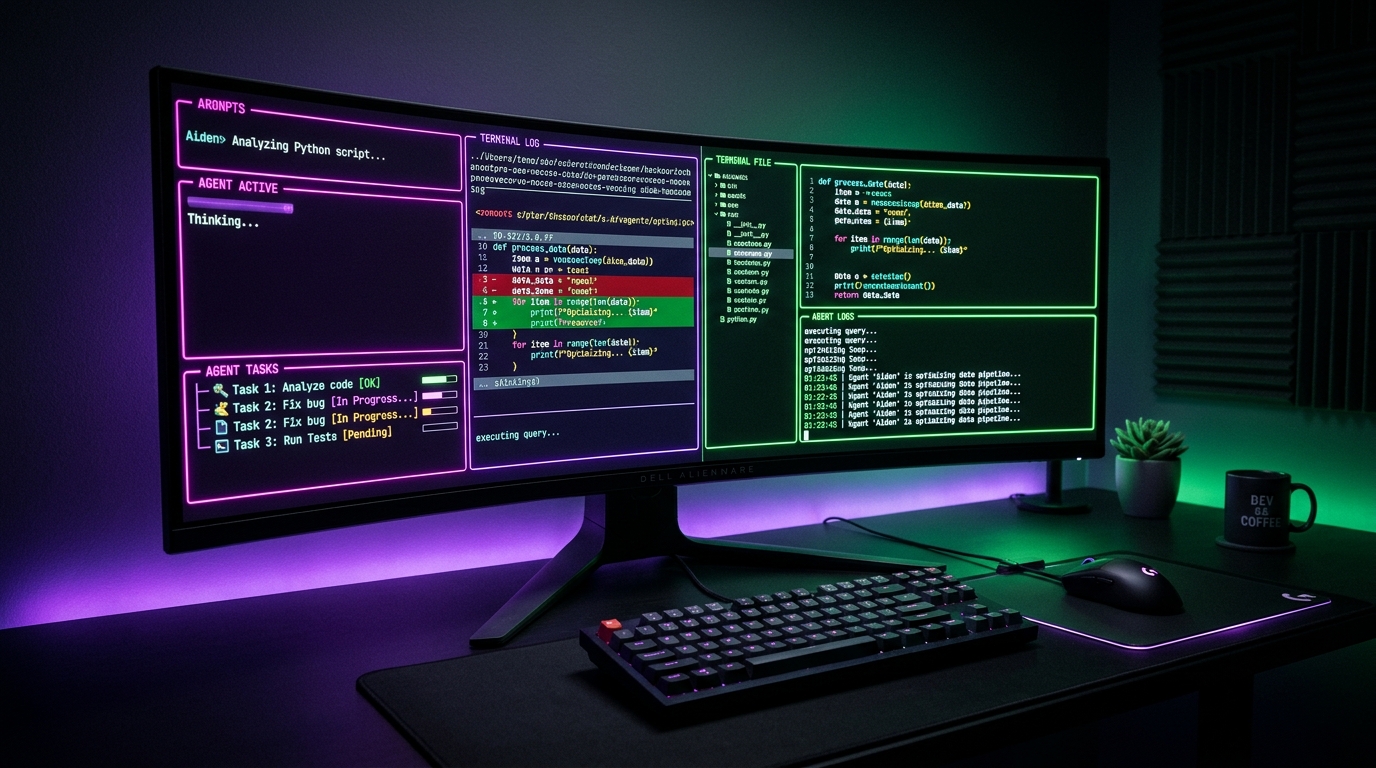
Claude Code and OpenAI Codex CLI mark the definitive transition from passive autocomplete helpers to autonomous terminal agents. Rather than living inside bloated GUI editors, both tools inhabit your command line, inspecting repository architecture, executing multi-file edits, running test suites, and resolving build failures autonomously.
We evaluated both agents head-to-head across real-world refactoring, test-driven bug fixes, security sandboxing, Model Context Protocol (MCP) extensibility, and monthly subscription value to identify which terminal agent deserves a permanent spot in your shell.
Quick Comparison Matrix
| Feature | Claude Code | OpenAI Codex CLI |
|---|---|---|
| Primary Strength | Deep multi-file reasoning & Git autonomy | Blazingly fast Rust TUI & sandboxed execution |
| Frontier Models | Claude Opus 5.5 (default) and Sonnet 5.5 | Latest OpenAI GPT reasoning models |
| Terminal Interface | Node.js interactive CLI & conversational REPL | High-performance Rust TUI (Terminal User Interface) |
| Codebase Traversal | Deep semantic indexing & glob mapping | Fast ripgrep-based pattern extraction |
| Command Execution | Native shell execution with permission prompts | Multi-level sandboxed execution environments |
| Custom Rules | CLAUDE.md repository conventions | AGENTS.md and .codex/skills directory |
| Protocol Support | Model Context Protocol (MCP) | Model Context Protocol (MCP) |
| Automated Batching | Scriptable via terminal arguments | Native headless codex exec runner |
| Authentication | Claude Pro/Team ($20/mo) or Anthropic API | ChatGPT Plus/Pro ($20/mo) or OpenAI API key |
| Open Source | Proprietary CLI client | Open-source core (Apache 2.0 Rust engine) |
| Overall Rating | 4.8 / 5 | 4.7 / 5 |
How do Claude Code and Codex differ in architecture and terminal user experience?
Claude Code uses a conversational Node.js CLI that feels like pairing with a senior software architect, while OpenAI Codex provides a full-screen Rust terminal user interface (TUI) optimized for raw speed and minimal resource usage. Codex launches faster and renders side-by-side diff panes within your terminal window, whereas Claude Code streams rich markdown explanations, commands, and unified git diffs directly into your active shell stream.
Anthropic built Claude Code for developers who view the terminal as an interactive conversational canvas. When you launch claude, it runs an intelligent REPL session that reads your repo root, identifies git branches, and interacts via conversational prompts. It excels at explaining why it took specific architectural paths, displaying clean collapsible step-by-step progress bars as it searches, reads, and edits files across folders.
Conversely, OpenAI Codex was written from the ground up in Rust to minimize latency and memory footprints. Instead of a scrolling chat log, Codex defaults to a full-screen curses-style TUI with dedicated hotkeys (Ctrl+O for file context, Tab for action toggles). Navigating between pending changes, file trees, and terminal execution buffers feels instantaneous. For developers working on constrained remote VPS instances or inside tmux panes, Codex consumes less than a third of the memory overhead of Node-based agent runners.
Which agent is more capable for multi-file refactoring and codebase reasoning?
Claude Code holds a distinct advantage in large-scale multi-file refactoring and nuanced architectural planning. Powered by Anthropic's Claude Opus 5.5 with extended thinking, it plans multi-step modifications with higher architectural coherence, respects existing project conventions without drift, and makes fewer syntax or logic regressions across complex dependency graphs.
During our testing on a 45,000-line TypeScript and React monorepo, we tasked both agents with migrating a legacy Redux state store to Zustand while preserving existing test suites. Claude Code systematically mapped out the dependency tree first, generated a temporary migration bridge, updated 14 individual slice files, and adapted test mocks without hallucinating missing imports. Its extended thinking mode prevented the circular dependency traps that frequently trip up coding assistants.
OpenAI Codex, driven by OpenAI's latest GPT reasoning models, solved isolated algorithmic challenges and test failures with ferocious speed. However, on wide cross-package refactors, Codex occasionally made localized assumptions that introduced subtle type collisions in neighboring packages. Where Codex shines is targeted precision: given a failing integration test and a stack trace, its ability to pinpoint the offending line of code and craft a surgical fix is among the fastest in the industry.
How do command execution and security sandboxing compare?
OpenAI Codex delivers superior built-in sandboxing and security safeguards, while Claude Code relies on interactive user approval prompts before running terminal commands. Codex allows developers to restrict execution to isolated virtualization layers or specify fine-grained filesystem read/write boundaries, making it safer for untrusted scripts or automated background CI pipelines.
Security is critical when granting an AI agent terminal privileges. OpenAI Codex features built-in execution isolation modes:
- Strict sandbox: Commands run inside isolated containerized shells where network access and non-whitelisted directories are blocked.
- Approval-required: Shell commands are staged in a dedicated preview buffer with clear color-coded flags for destructive operations (
rm,git reset,npm publish). - Headless mode (
codex exec): Allows automated execution with pre-defined security guardrails in continuous integration pipelines without human babysitting.
Claude Code operates directly in your native shell environment. Before running bash commands (such as running test suites or package installs), it prompts for confirmation with an explicit y/n dialog unless explicitly run in --dangerously-skip-permissions mode. While this native execution gives Claude full access to custom aliases, SSH configurations, and environment variables, developers must exercise caution when working with scripts that mutate infrastructure.
How do Claude Code and Codex handle Model Context Protocol and custom rules?
Both tools provide first-class native support for Model Context Protocol (MCP), but they diverge in configuration syntax: Claude Code uses CLAUDE.md guidelines, whereas Codex uses AGENTS.md and modular .codex/skills. Both standards enable teams to enforce repository conventions, coding guidelines, and external database or API connections seamlessly.
Anthropic popularized repository-level agent prompting with CLAUDE.md. Placing this file at the root of your project instructs Claude Code on test command syntax, preferred component patterns, styling libraries, and branch naming conventions. Claude Code reads this file on initialization and strictly aligns its output to your project's established conventions.
OpenAI Codex adopted the open AGENTS.md specification and complemented it with a modular .codex/skills directory. This directory allows developers to create reusable, specialized skill files (such as a database migration generator or an API schema validator) that Codex invokes conditionally based on prompt context. Furthermore, both tools allow configuring external MCP servers to query live PostgreSQL databases, inspect Linear tickets, or pull documentation from private internal endpoints during coding sessions.
How do pricing, subscriptions, and API costs compare?
Both agents start at $20/month via consumer subscriptions, but OpenAI Codex offers greater billing flexibility by letting users sign in with their existing ChatGPT Plus account without incurring separate API expenses. Claude Code is accessible via Claude Pro or pay-as-you-go Anthropic API tokens, which can accumulate costs during massive codebase indexing.
Claude Code pricing options
- Claude Pro / Team ($20/month or $25/seat/month): Includes interactive terminal sessions subject to standard Claude web usage caps.
- Pay-as-you-go Console API: Charges standard Anthropic API token rates for whichever Claude model you select (Opus 5.5 or Sonnet 5.5). Extended thinking tokens are billed as output tokens. Comprehensive codebase traversals on large repos can consume $2.00 to $5.00 per deep refactoring session.
OpenAI Codex CLI pricing options
- ChatGPT Plus / Pro Integration ($20/month or $200/month): Sign in directly with your ChatGPT account using OAuth. Queries draw from your regular ChatGPT usage pool with zero separate API billing.
- Bring-Your-Own-Key (BYOK) API: Connect an independent OpenAI API key to pay per token for OpenAI model usage. This provides isolated corporate billing and eliminates usage throttling during peak hours.
Which terminal coding agent should you choose?
Choose Claude Code if you prioritize superior reasoning on complex architectures, deep multi-file refactoring, and natural conversational terminal guidance. It remains the premier tool for software engineers tackling legacy codebases, monolithic repositories, and intricate full-stack features.
Choose OpenAI Codex if you prioritize blazing Rust TUI performance, robust command sandboxing, and the cost efficiency of leveraging an existing ChatGPT Plus subscription. It is the ideal tool for fast terminal debugging, script automation, and continuous integration workflows.
Summary recommendation
- Pick Claude Code for lead engineers, full-stack developers, complex refactors, and projects where architectural precision is paramount.
- Pick OpenAI Codex for DevOps engineers, terminal purists, developers on constrained hardware, and existing ChatGPT Plus subscribers who want immediate CLI superpowers without extra billing.
- Prefer a visual IDE instead? Read our comprehensive breakdown of Cursor vs Claude Code and Cursor vs GitHub Copilot vs Windsurf.
Frequently Asked Questions
Can I use Claude Code and Codex together in the same repository?
Yes. Many engineering teams use both agents in parallel by sharing Git as the synchronization layer. A popular workflow involves using Claude Code for high-level architectural feature development and branch creation, and using OpenAI Codex in a secondary terminal split or git worktree for fast test verification and adversarial code review.
Do Claude Code and Codex require a GUI editor like VS Code or Cursor?
No. Both Claude Code and Codex run entirely inside standard command-line environments (macOS Terminal, iTerm2, Windows Terminal, Linux bash/zsh, and remote SSH/tmux sessions). You can pair them with your favorite text editor—whether that is Neovim, Emacs, Sublime Text, or VS Code.
Does OpenAI Codex work on Windows?
Yes. OpenAI Codex CLI is distributed as a cross-platform binary (via npm or cargo) that runs on Windows Terminal, macOS, and Linux distributions. Claude Code also supports Windows, macOS, and Linux natively.
What is the difference between GitHub Copilot and OpenAI Codex CLI?
While both tools originate from OpenAI and Microsoft technology, GitHub Copilot is primarily an autocomplete and chat extension designed for graphical editors (VS Code, Visual Studio, JetBrains). Codex CLI is an autonomous, open-source terminal agent that directly navigates files, executes shell commands, and repairs bugs from the command prompt. Read our Cursor vs GitHub Copilot vs Windsurf guide for more details.
Related Guides & Comparisons

Built an AI tool? Get it listed for $5.
One-time payment, permanent listing in the directory. Or feature it on the homepage for $49/month.
Author
Dusan Kovacevic
Published November 13, 2026 · Updated November 13, 2026
Continue reading
Related articles

Microsoft Copilot vs ChatGPT: Which AI assistant is best in 2026?
We tested Microsoft Copilot and ChatGPT across Office 365 integration, writing, coding, reasoning, web research, and pricing to find which is best in 2026.
Read
Cursor vs GitHub Copilot vs Windsurf: Which AI Coding Assistant Is Best in 2026?
We spent months coding in Cursor, GitHub Copilot, and Windsurf on real production repos. Here is which AI coding assistant wins on autocomplete, agentic editing, and pricing — and which one you should actually pay for in 2026.
Read
Midjourney vs Leonardo vs DALL-E: Which AI Image Generator Wins in 2026?
We ran identical prompts through Midjourney, Leonardo AI, and DALL-E to settle the question. Here's which one wins for quality, prompt control, workflow, and price — and which one you should actually pay for.
Read